NO DOWNLOAD // NO INSTALL
Play BO1 — Black Ops 1 Zombies in Your Browser
Play BO1 right here: pick a Black Ops 1 Zombies map, let the game load and fight the horde straight from your browser. Choose from ten classic maps, from the original Nacht der Untoten bunker to the lunar base of Moon.
Choose Your Black Ops 1 Zombies Map
Click a map in the list below to open it and start playing.
How to Play BO1 in Your Browser
The game runs entirely in your browser, so you only need a few things before you start.
- A desktop computer with a keyboard and a mouse.
- A current desktop version of Chrome, Edge or Firefox (64-bit).
- A few minutes the first time: the game files download once, then load faster.
- Allow site storage if your browser asks, so the game can keep its files between visits.
All Ten Black Ops 1 Zombies Maps
Every map has its own page with tips and a game window. Pick one below to jump straight in.
 01
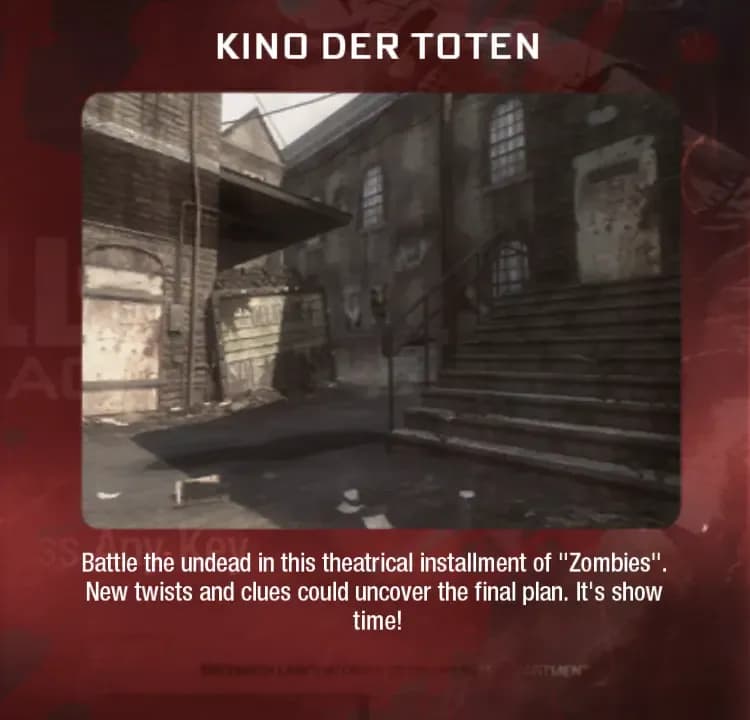
Kino der Toten
Battle the undead in this theatrical installment of "Zombies". New twists and clues could uncover the final plan. It's show time!
PLAY THIS MAP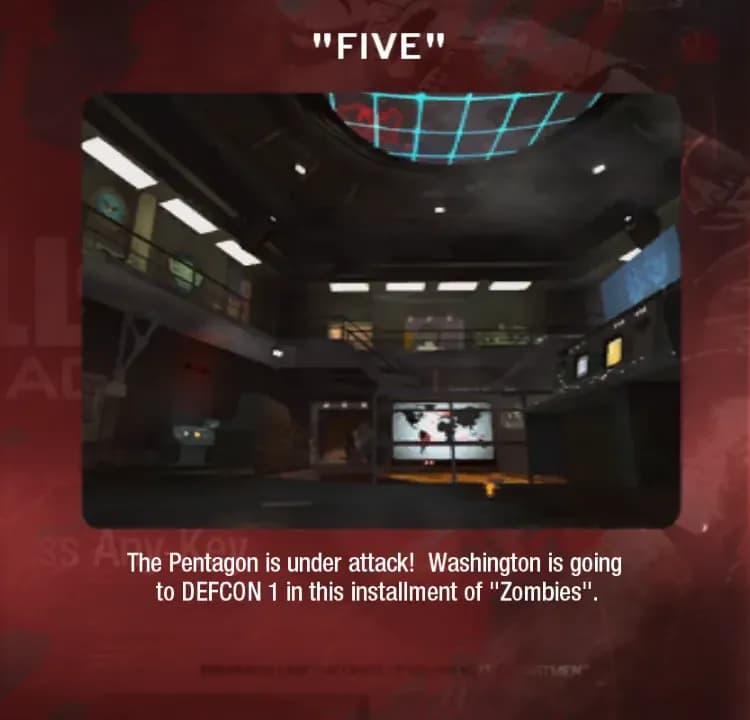 02
"Five"
The Pentagon is under attack! Washington is going to DEFCON 1 in this installment of "Zombies".
PLAY THIS MAP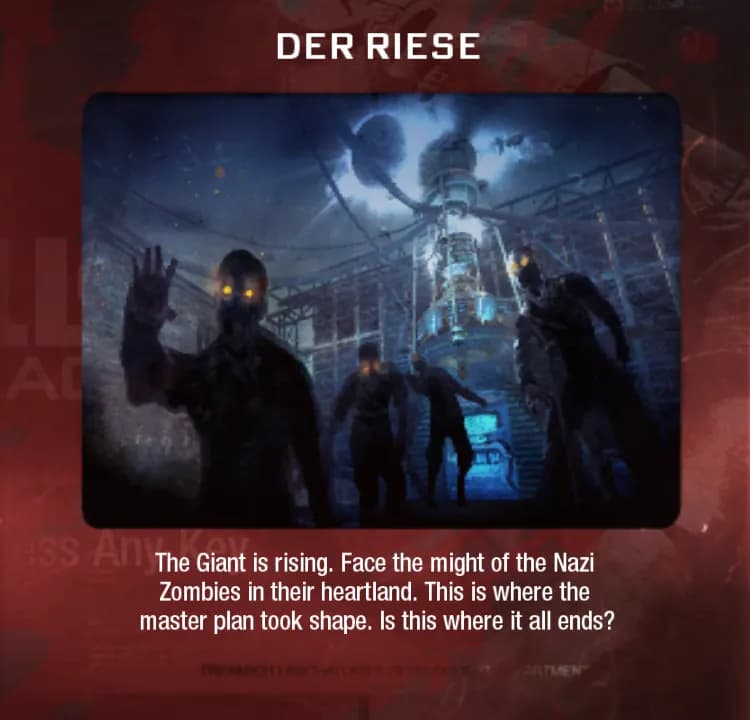 03
Der Riese
The Giant is rising. Face the might of the Nazi Zombies in their heartland. This is where the master plan took shape. Is this where it all ends?
PLAY THIS MAP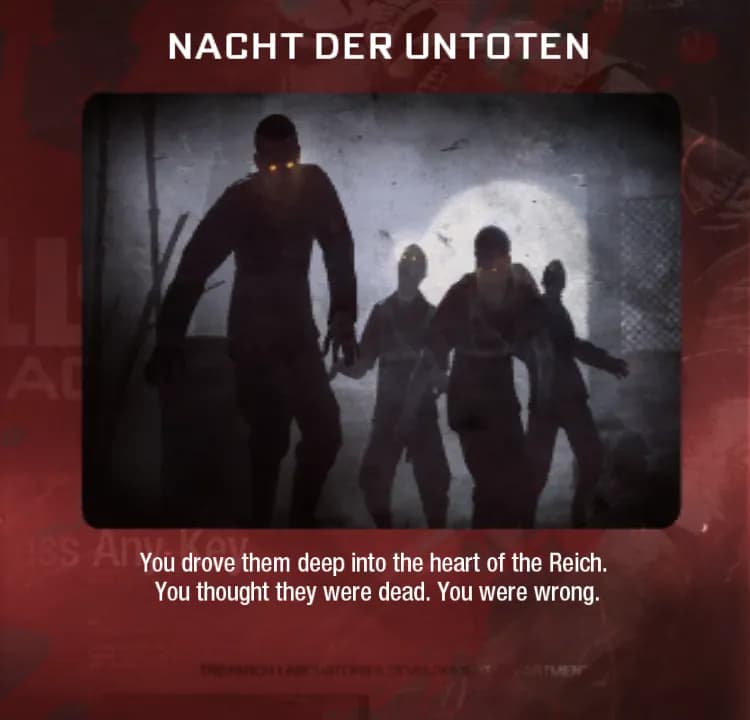 04
Nacht der Untoten
The original: hold out in a small bunker against endless waves.
PLAY THIS MAP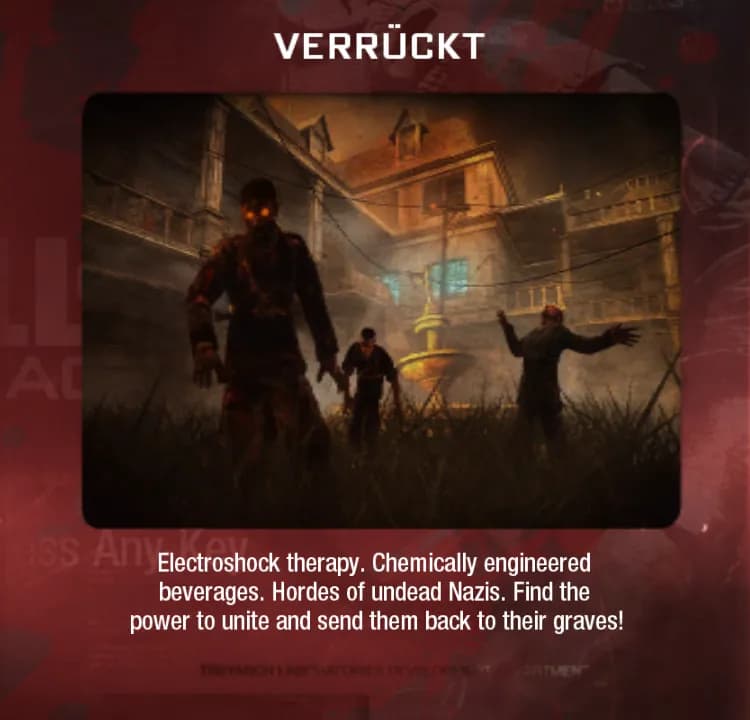 05
Verrückt
Fight through an abandoned asylum, split from your squad at the start.
PLAY THIS MAP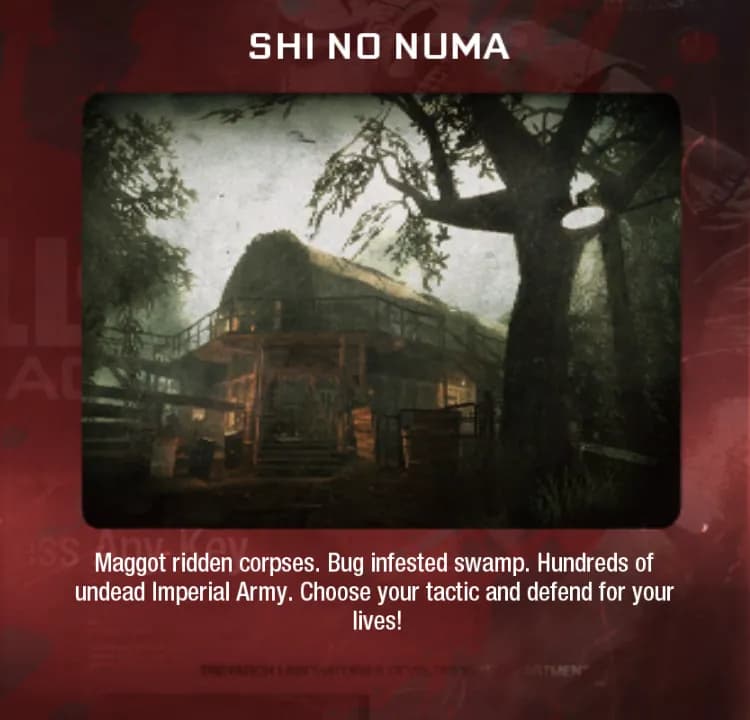 06
Shi No Numa
A swamp outpost with huts to open and zip lines over the marsh.
PLAY THIS MAP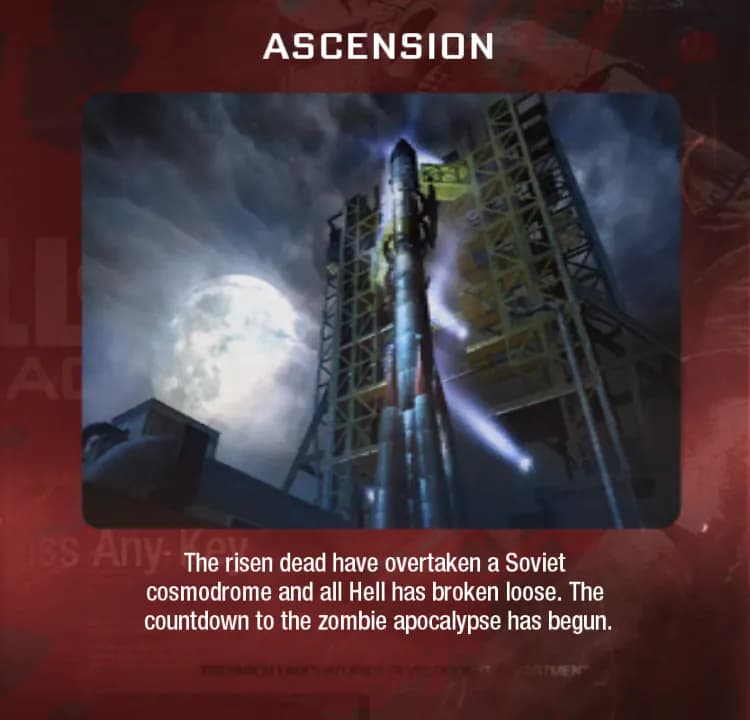 07
Ascension
A Soviet launch facility with lunar landers, monkeys and a rocket.
PLAY THIS MAP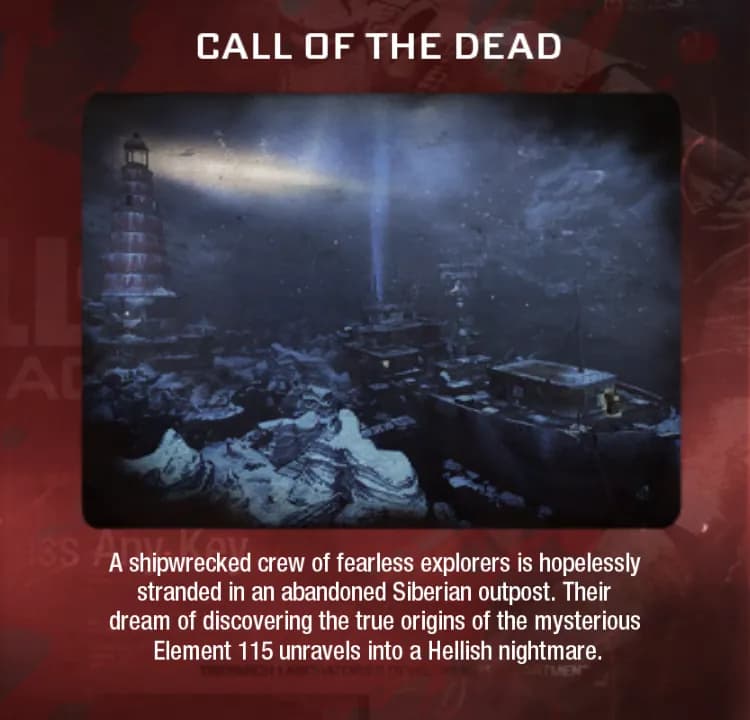 08
Call of the Dead
A frozen lighthouse and a stranded ship, with George A. Romero on the prowl.
PLAY THIS MAP 09
Shangri-La
A jungle temple full of traps, geysers and a minecart.
PLAY THIS MAP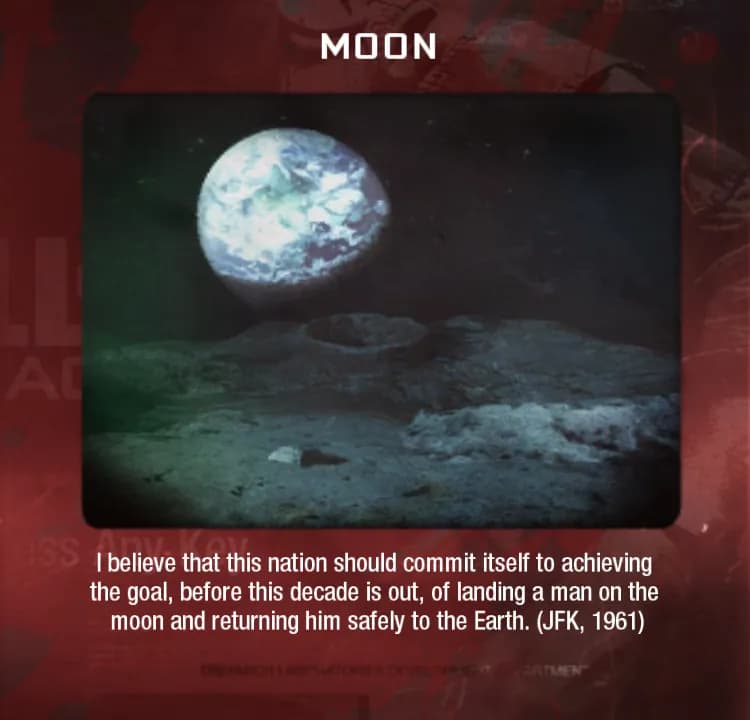 10
Moon
From Area 51 to a lunar base: low gravity and no air outside.
PLAY THIS MAPPlay BO1 — Frequently Asked Questions
Pick a map on this page, wait for the game files to load and click play. You need a current desktop Chrome, Edge or Firefox, a keyboard and a mouse. There is nothing to download or install.
Yes. Playing BO1 Zombies on bo1zombies.com is free. This is a fan-made browser version, not an official Activision release.
Ten maps: Kino der Toten, Five, Der Riese, Nacht der Untoten, Verrückt, Shi No Numa, Ascension, Call of the Dead, Shangri-La and Moon.
Not yet. The game is built for a desktop computer with a keyboard and mouse, so open it in a desktop browser.
The engine uses WebAssembly threads and shared memory. Current desktop Chrome, Edge and Firefox support them; older browsers may not.